Vivarium
Drop in a clip you already own. Vivarium finds the loop points, trims to them, and cycles the result behind your windows.
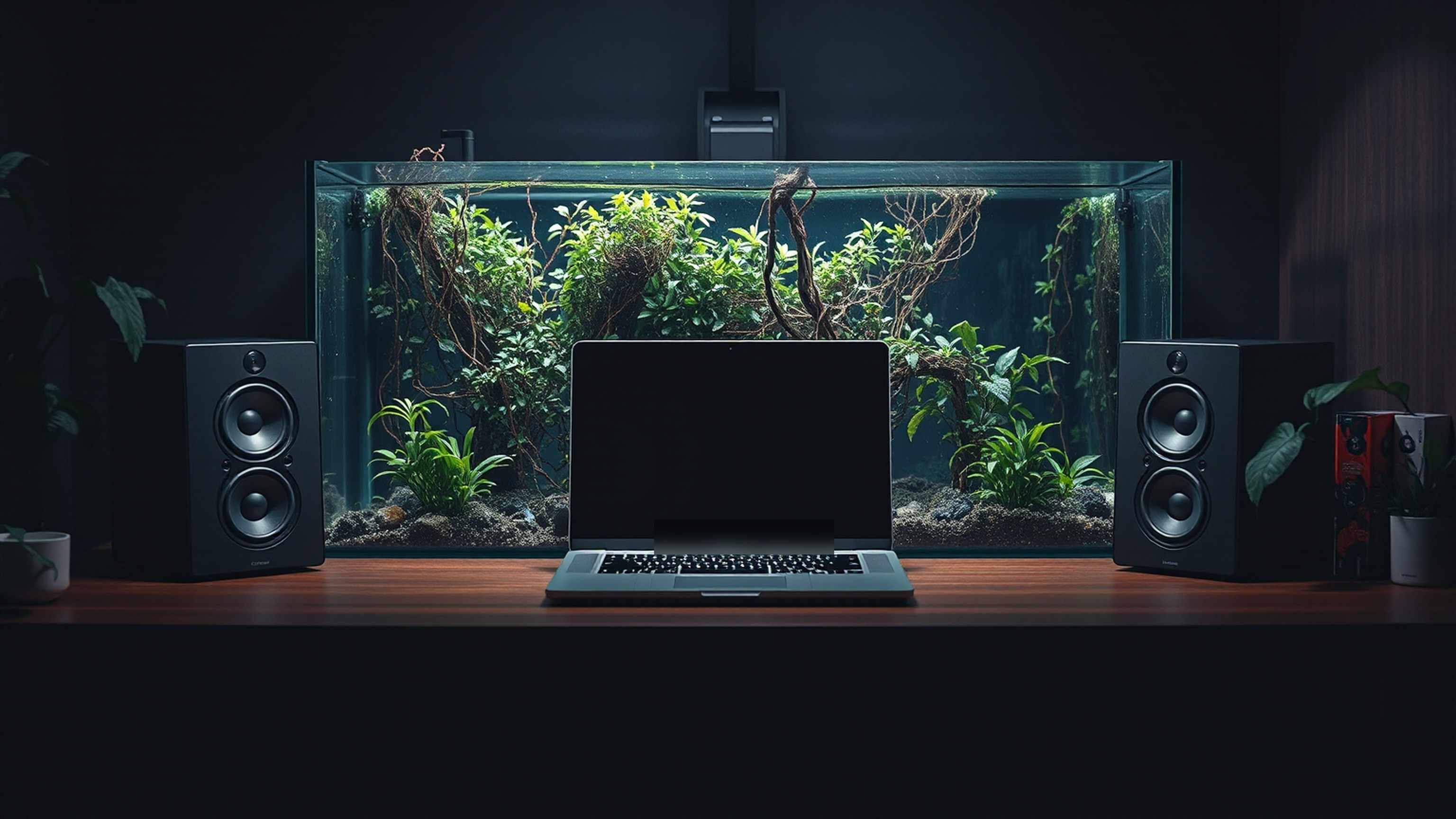
A wallpaper is only as good as it looks under a full screen of windows. Vivarium sits below the desktop icons, pauses when it is covered, and stops on battery.
Same wallpaper, wherever macOS will take it. Pick one to see it against the tone.
Every loop you have cut, in one grid. Sorted by length, tone, or the display it was made for.
one grid · one window
Mirror the desktop loop to the lock screen. Direct-download builds only.
mirror · direct download only
Group loops and let them rotate on a schedule you set. Five minutes to a day.
wall-clock · survives sleep
Find a favorite, choose where it plays, and make the desktop feel like yours.
It is free while in beta. Planned pricing is $1.99 monthly or $14.99 lifetime. Checkout is not open yet.
The experimental iPhone export lets you choose a moment, adjust framing and hue, and save a Live Photo for sharing with AirDrop. Lock Screen motion can differ from playback in Photos. Apple Watch support has not been verified; we do not currently advertise animated watch faces.
The planned checkout uses Lemon Squeezy. Your receipt will contain a licence key to paste into Vivarium’s Profile → Licence panel. Billing and key recovery explains the planned process. Sales remain closed while we test it.
Yes. Import videos you have permission to use. Your local collection is not automatically uploaded or shared.
The wallpaper has a separate background agent. You can control playback from the menu bar. Restart and login behavior are still being tested in this beta.
Lock-screen mirroring uses undocumented macOS behavior. Use 30 fps footage for now; some higher-frame-rate clips may remain still. FileVault's pre-login screen is a separate limitation.
Use the motion button below. Your preference is remembered in this browser.
Everything is unlocked and there is one build, the full one. It costs nothing while Vivarium is in beta. Testers who are here now get a permanent discount when 1.0 ships — not the whole thing free, but a real one.
Checkout is not open yet. The monthly and lifetime prices below are planned launch options. No payment is collected during the free beta.
Monthly access to Vivarium. Recurring billing; cancel future renewals at any time.
A one-time Vivarium purchase. No recurring subscription charge.
! Note — Beta builds are not notarized by Apple yet, so macOS will refuse to open the app and may say it is damaged. It is not. Drag it to Applications, then run xattr -dr com.apple.quarantine /Applications/Vivarium.app in Terminal once.
Three limits worth knowing before you download. They are here rather than in the footer.
Note — The lock-screen mirror ships in the direct-download build only. Store sandboxing blocks the API it uses.
Note — iPhone Live Photo export is experimental. Lock Screen playback can differ from Photos, and motion quality is still being improved.
Note — macOS 15.0 is the floor. Earlier systems have no wallpaper API Vivarium can drive without a helper daemon, and it will not ship one.


